- Home
- FRONTEL
FRONTEL
FRONTEL software platform
The high effectiveness of VIDEOFIED systems is completed by managing them through the FRONTEL software platform.
When a system raises an alarm, the signals are stored in its database and handled by the corresponding software.
For more information, visit videofied.com.gr
Operation
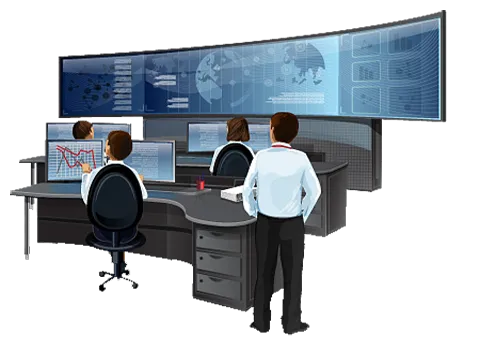
A valuable tool in the operation of the alarm receiving centre.
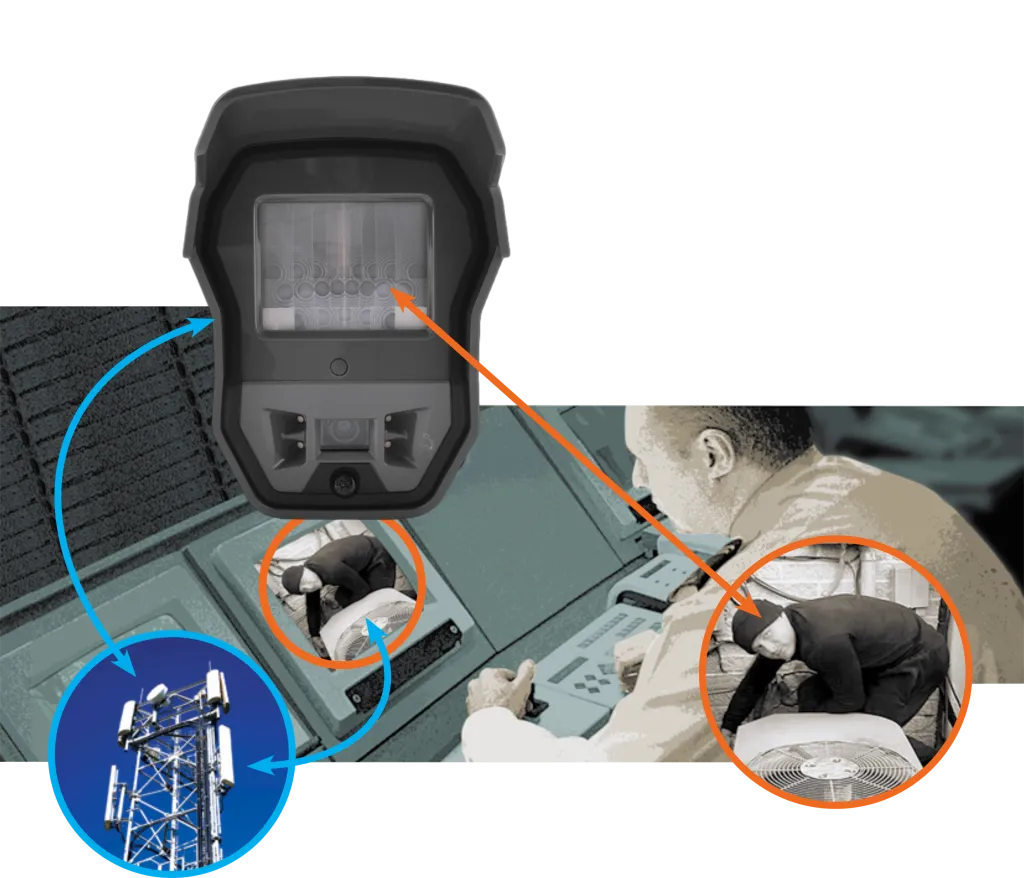
As soon as movement is detected in its area of responsibility, the wide-angle camera records a 10-second video.
The video is sent, encrypted, to the 24-hour alarm receiving centre over the mobile network, where the operator on duty assesses it.
The police and the owner are notified only in the event of a genuine intrusion.
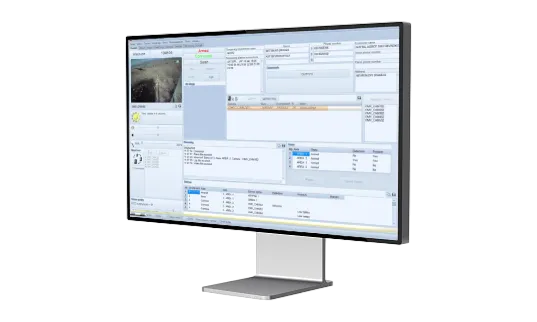
The FRONTEL platform gives the centre's operator a powerful means of verifying the alarm.
It also allows actions to be managed remotely,
such as switching on lighting or activating a smoke system, from VIDEOFIED devices.
FRONTEL applications
The FRONTEL software platform consists of applications that handle signals and video, such as ALARM VIEWER; the signal history of the customer base, such as ALARM EXPLORER; and programming tools, such as TMT. There are also routines for diagnosing correct operation (self-check), as well as for the continuous flow of information to the centre's main program.

Alarm Viewer
TMT

Explorer
Integration
FRONTEL software has already been integrated with many alarm management programs. Integration is carried out in two ways:
> Hybrid integration: The software communicates with the centre's main program, but the videos are displayed on a different screen.
>Full integration: The videos are displayed on the main program's screen of the centre, together with the other events.
| Company | Software | Version | Integration type | Integration stage |
|---|---|---|---|---|
|
Bold Technologies |
Manitou |
|
FRONTEL GI (Events and Video) |
Full |
|
Security Information and Management Systems, Inc. (SIMS) |
> SIMSII > SIMSII for windows |
V1.39.11 |
FRONTEL to SIMS |
Hybrid |
|
DICE Corporation |
DICE CSMS |
|
FRONTEL to DICE |
Hybrid |
|
Microkey Software |
Millenium |
|
FRONTEL GI( Events + Management) |
Hybrid |
|
Innovative Business Software (IBS) |
SBN |
|
FRONTEL GI( Events + Management) |
Hybrid |
|
GE Security |
MAStermind |
V6.22.01 |
FRONTELGI ( Events + Management) |
Hybrid |
|
Patriot Systems Ltd |
Patriot |
V5.2 |
FRONTELGI ( Events + Management) |
Hybrid |
|
NT Software Sw |
AD |
|
FRONTELGI (Events and Video) |
Full |
|
Suretek |
CAMS |
|
FRONTELGI (Events and Video) |
Full |
|
Azur Soft |
Horus |
|
FRONTEL PFIGIP (Events) |
Hybrid |
|
ESI |
M1 |
|
FRONTEL F1COM (Events) |
Hybrid |
|
Securmatique |
Logmatel |
|
FRONTEL GI (Events and Video) |
Full |
|
Tolede |
Surveyor |
|
FRONTEL GI (Events) |
Hybrid |
|
Oryx |
Oryx |
|
FRONTEL GI Events + Management) |
Hybrid |
|
MonitorComputer Systems Ltd |
Sentinel |
|
FRONTEL GI( Events + Management) |
Full |
*The list is constantly changing
The easy integration of the FRONTEL platform guarantees fast and effective management of VIDEOFIED systems.
> Display: of customer details and video.
> Capture: of photographs and additional video
> Remote activation: of relays, sirens, lights, smoke generators
> Sending by email of the videos from the point of intrusion
> Export of files
> Customisation of the working environment
The correct operation of FRONTEL is monitored at all times by the Supervision Module process. The Supervision Module process checks:
> Available space on the hard disk and physical memory
> TCP communication with the main program
> RAS (modem connection)
> Central operation of FRONTEL
> The network
| Technical Characteristics | |
|---|---|
|
Com Serv Protocol TCP/IP Indentifcation in AES Communicates with panels via Frontel format _____________________ Scripting Can be triggered by any event Capabilities: >Retrieve panel status >Retrieve event log >Set time and date >Arm/Disarm >Capture images (virtual guardtour)v >Modify confguration |
TMT •Remote maintenance software >Retrieve panelstatus >Retrieve eventlog >Delete >Set time and date >Arm/Disarm ____________________ •Remote configuration Miscellaneous Custom-built interface •Multiple work stations •Multi-language •Database |